Payments
Events
Invoices
Memberships
Member Directory
Documents
In honor of our 20th anniversary this year, we’re inviting our members to help shape the look of our next chapter! We’re launching a Logo Design Contest to refresh our organization’s logo and visual identity. As an organization created for and powered by government communicators, we can’t think of a better way to mark this milestone than by tapping into the creativity of our own members. The contest is open to current NC3C members, and entries must be original, human-created designs. AI-generated logos or design elements are not permitted. Before getting started, please review the full contest guidelines for design requirements, eligibility and submission details. Submit your logo concept through this entry form by Nov. 1, 2026 . After entries close, the NC3C Board of Directors will review the submissions and narrow the field to a group of finalists in December. Then we’ll turn it over to you! Finalist designs will be shared with the full NC3C membership for a vote to help select our new logo. And yes, there’s a prize! The member behind the winning design will receive complimentary registration to the 2027 NC3C Annual Conference, plus a complimentary hotel stay during the conference. We’ll also recognize the winning designer as we celebrate NC3C’s 20th anniversary at our annual conference in the spring of 2027 (we look forward to sharing these details too!) We can’t wait to see what our talented NC3C members create!
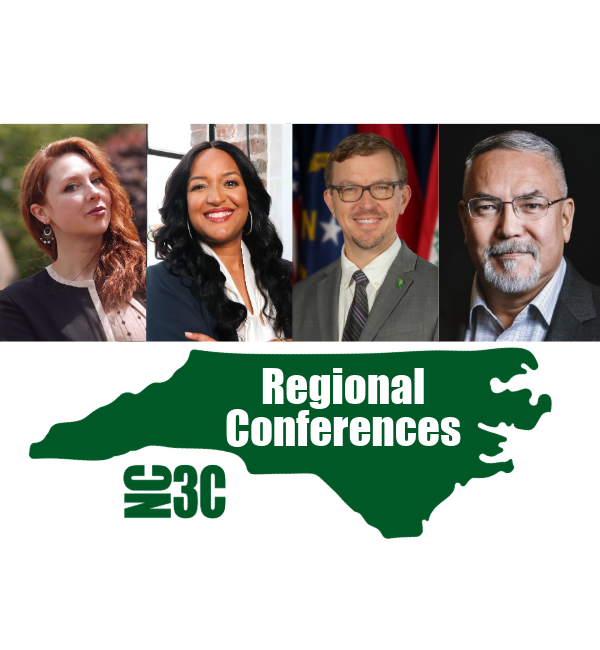
Four Hours. Fresh Ideas. A Lot to Take Back.
